Introduction to rpact, Vignettes, and rpact Cloud

Nestlé rpact Training 2024, Lausanne

Gernot Wassmer and Friedrich Pahlke

May 23, 2024

rpact / RPACT Cloud

rpact

  • Comprehensive validated R package
  • Design, simulation, and analysis
    of confirmatory adaptive group sequential designs
  • Monograph by Wassmer and Brannath, Springer, 2016

\(\rightarrow\) www.rpact.org

RPACT Cloud

  • Graphical user interface
  • Provides an easy entry to rpact
  • Helpful to learn/demonstrate the usage of rpact in a user friendly and intuitive way
  • Starting point for your Quarto reports

\(\rightarrow\) cloud.rpact.com

Company RPACT

  • Founded in May 2017 by GW and FP
  • Idea: open source development with help of crowd funding
  • Currently supported by 23 companies \(\rightarrow\) Service Level Agreement (SLA)
  • Around 60 presentations and training courses since 2018

RPACT User Group

  • Boehringer Ingelheim
  • Metronomia Clinical Research
  • F. Hoffmann-La Roche
  • Excelya
  • Dr. Willmar Schwabe
  • Bayer
  • Merck
  • AbbVie
  • Dr. Falk Pharma
  • Klifo
  • FGK Clinical Research
  • medac
  • UCB
  • GKM
  • Parexel
  • Nestlé
  • Janssen (Johnson & Johnson)
  • Novartis
  • PPD (Thermo Fisher Scientific)
  • Sanofi
  • Solara Consulting
  • Pfizer

R package rpact

R package rpact – Functional Range

Design

  • Group sequential designs, e.g., Wang & Tsiatis \(\Delta\)-class, \(\alpha\)-spending, \(\beta\)-spending, …
  • Inverse normal design
  • Fisher’s combination test

Sample size and power calculation for

  • testing means (continuous endpoint)
  • testing rates (binary endpoint)
  • count data
  • survival trials with, e.g.,
    • piecewise accrual time and intensity
    • flexible follow-up time specification
    • piecewise exponential survival time

All also available for fixed sample size design

R package rpact – Functional Range

Simulation tool for assessing adaptive strategies, e.g.,

  • continuous, binary, and survival endpoint
  • sample size reassessment
  • treatment arm or population selection rules
  • different methodologies

Analysis tool for

  • continuous, binary, and survival data
  • multi-arm adaptive trials
  • population enrichment designs

R package rpact – Package concept

Package concept – Workflow

Usage inspired by the typical workflow in trial design and conduct:

  • Everything is starting with a design, e.g.:
    design <- getDesignGroupSequential()
  • Find the optimal design parameters with help of rpact comparison tools: getDesignSet()
  • Calculate the required sample size and power, e.g.:
    getSampleSizeMeans(), getPowerMeans()
  • Simulate specific characteristics of an adaptive design, e.g.:
    getSimulationMeans()
  • Collect your data, import it into R and create an rpact dataset:
    data <- getDataset()
  • Analyze your data: getAnalysisResults(design, data)

Package concept – Focus on usability

Almost all functions, arguments, and objects are self-explanatory due to their names:

  • getDesign[GroupSequential/InverseNormal/Fisher]()
  • getDesignCharacteristics()
  • getSampleSize[Means/Rates/Counts/Survival]()
  • getPower[Means/Rates/Counts/Survival]()
  • getSimulation[MultiArm/Enrichment][Means/Rates/Survival]()
  • getDataset()
  • getAnalysisResults()

Package Concept — Utilities

Several utility functions are available, e.g.:

  • Survival helper functions:
    • getAccrualTime()
    • getPiecewiseSurvivalTime()
    • getNumberOfSubjects()
    • getEventProbabilities()
    • getPiecewiseExponentialDistribution()
  • getObjectRCode()
  • testPackage(): installation qualification on a client computer or company server
    (\(\rightarrow\) unit tests)

Package Concept – The rpact Manual

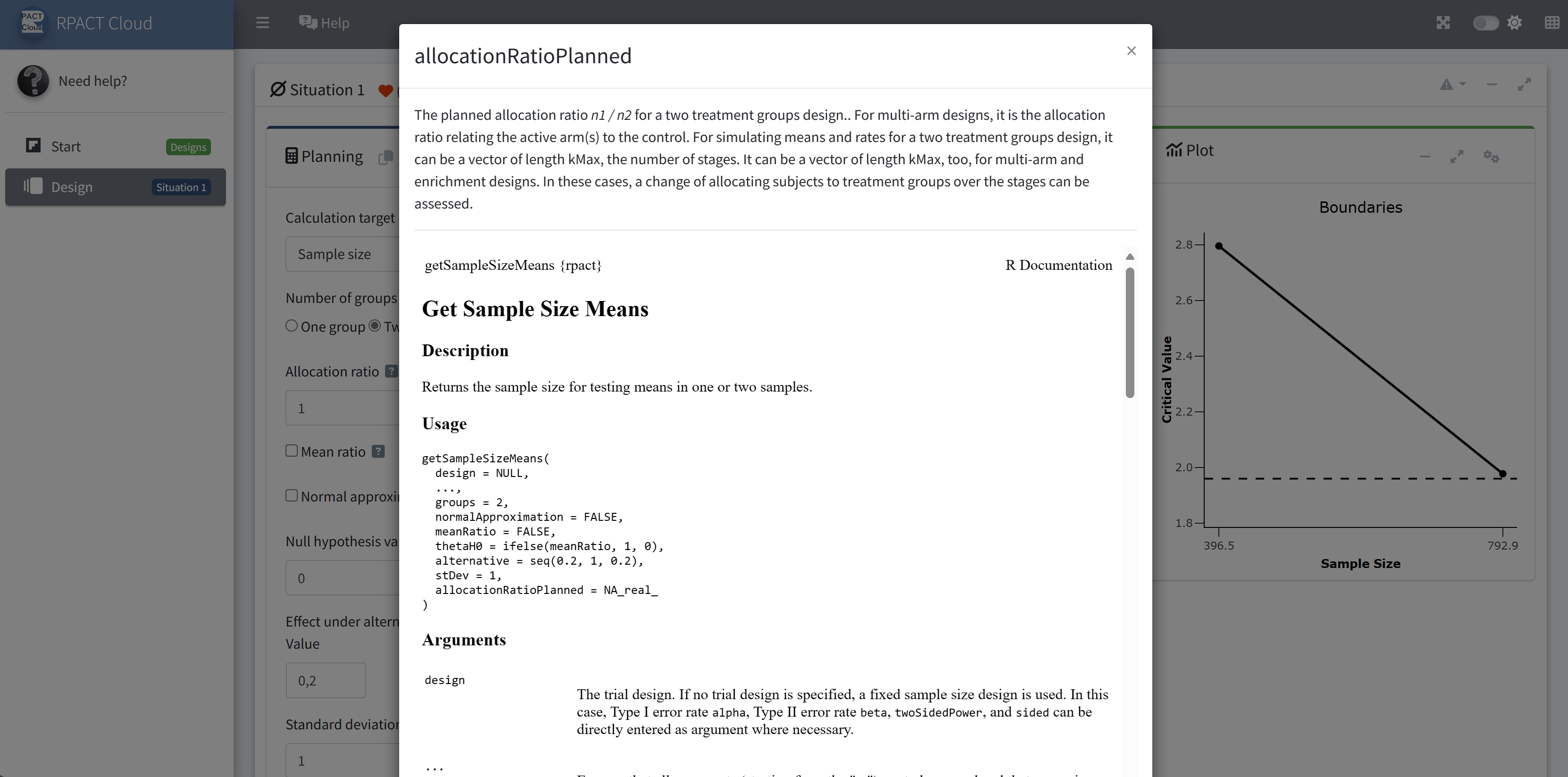
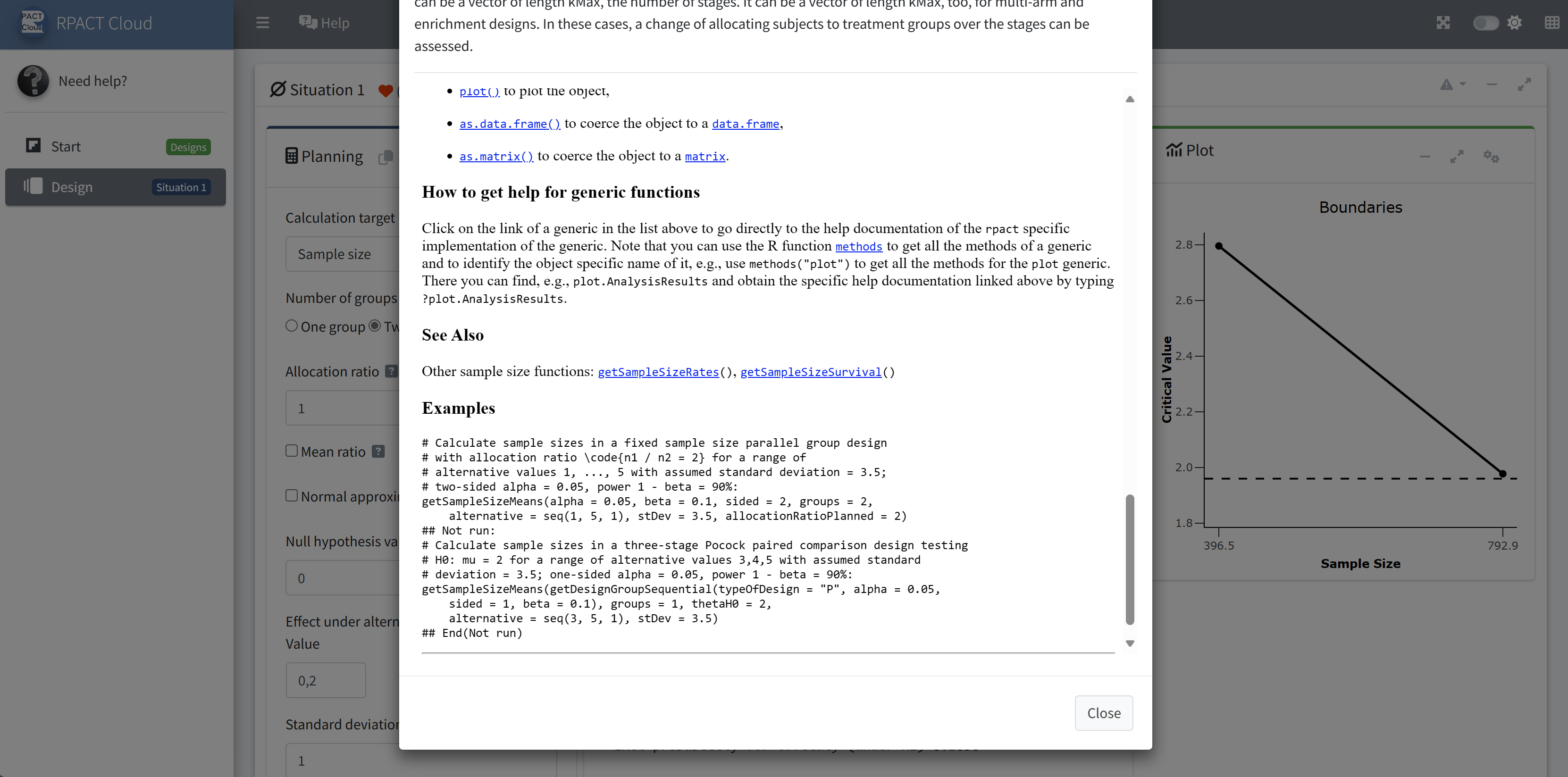
help(package = "rpact") : Inline help

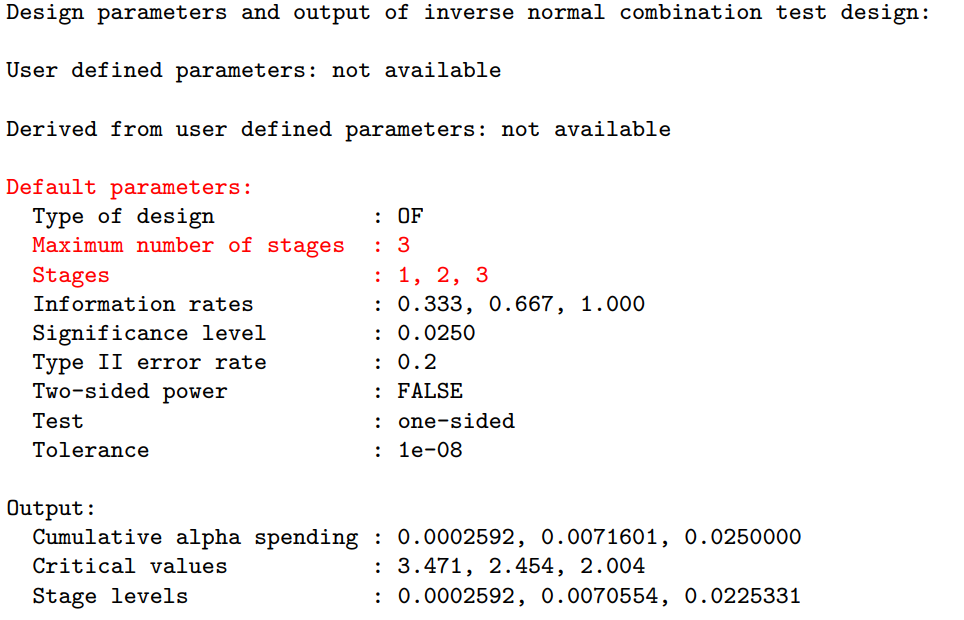
Package Concept – Parameters have default values

Example: getDesignInverseNormal() produces the output:
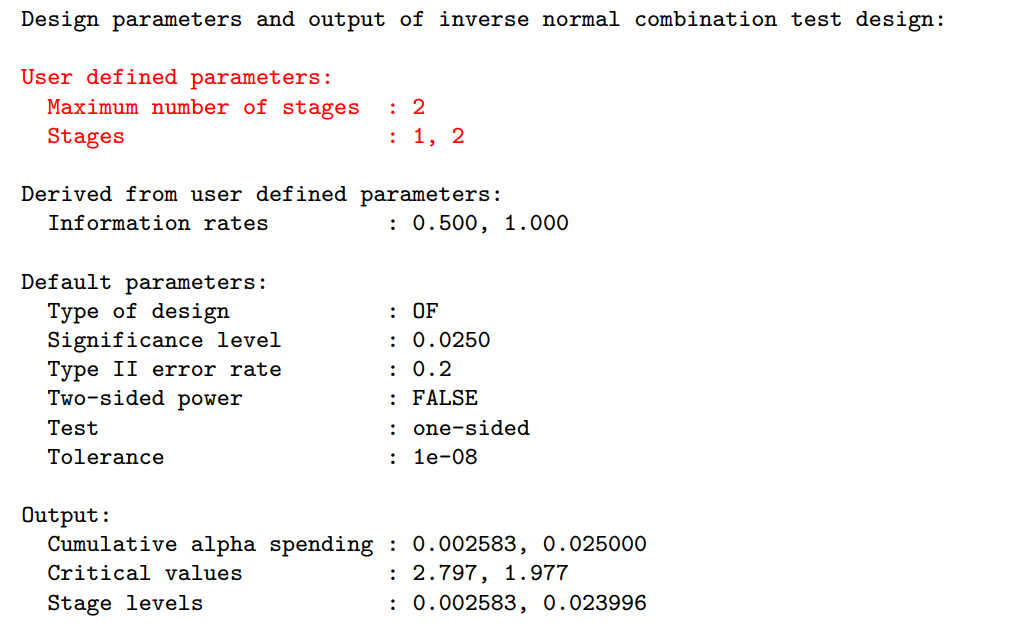
Package Concept – Parameters have default values

Example: getDesignInverseNormal(kMax = 2) produces:
R package rpact – Getting started

Various learning concepts available:

Vignettes (1/3)

  1. Defining group-sequential boundaries with rpact
  2. Designing group-sequential trials with two groups and a continuous endpoint with rpact
  3. Designing group-sequential trials with a binary endpoint with rpact
  4. Designing group-sequential trials with two groups and a survival endpoint with rpact
  5. Simulation-based design of group-sequential trials with a survival endpoint with rpact
  6. An example to illustrate boundary re-calculations during the trial
  7. Analysis of a group-sequential trial with a survival endpoint
  8. Defining accrual time and accrual intensity with rpact
  9. How to use R generics with rpact

Vignettes (2/3)

  1. How to create admirable plots with rpact
  2. Comparing sample size and power calculation results for a group-sequential trial with a survival endpoint: rpact vs. gsDesign
  3. Supplementing and enhancing rpact’s graphical capabilities with ggplot2
  4. Using the inverse normal combination test for analysing a trial with continuous endpoint and potential sample size reassessment
  5. Planning a trial with binary endpoints with rpact
  6. Planning a survival trial with rpact
  7. Simulation of a trial with a binary endpoint and unblinded sample size re-calculation in rpact
  8. How to create summaries with rpact
  9. How to create analysis result [one- and multi-arm] plots with rpact

Vignettes (3/3)

  1. How to create simulation result [one- and multi-arm] plots with rpact
  2. Simulating multi-arm designs with a continuous endpoint
  3. Analysis of a multi-arm design with a binary endpoint
  4. Step-by-Step rpact Tutorial
  5. Planning and Analyzing a Group-Sequential Multi-Arm-Multi-Stage Design with Binary Endpoint using rpact
  6. Two-arm analysis for continuous data with covariates from raw data1
  7. How to install the latest developer version1
  8. Delayed Response Designs with rpact

RPACT Cloud

RPACT Cloud – Introduction

  • Graphical user interface
  • Web based usage without local installation on nearly any device
  • Provides an easy entry to rpact
  • Starting point for your R Markdown or Quarto reports
  • Helpful to learn/demonstrate the usage of rpact in a user friendly and intuitive way
  • Online available at cloud.rpact.com

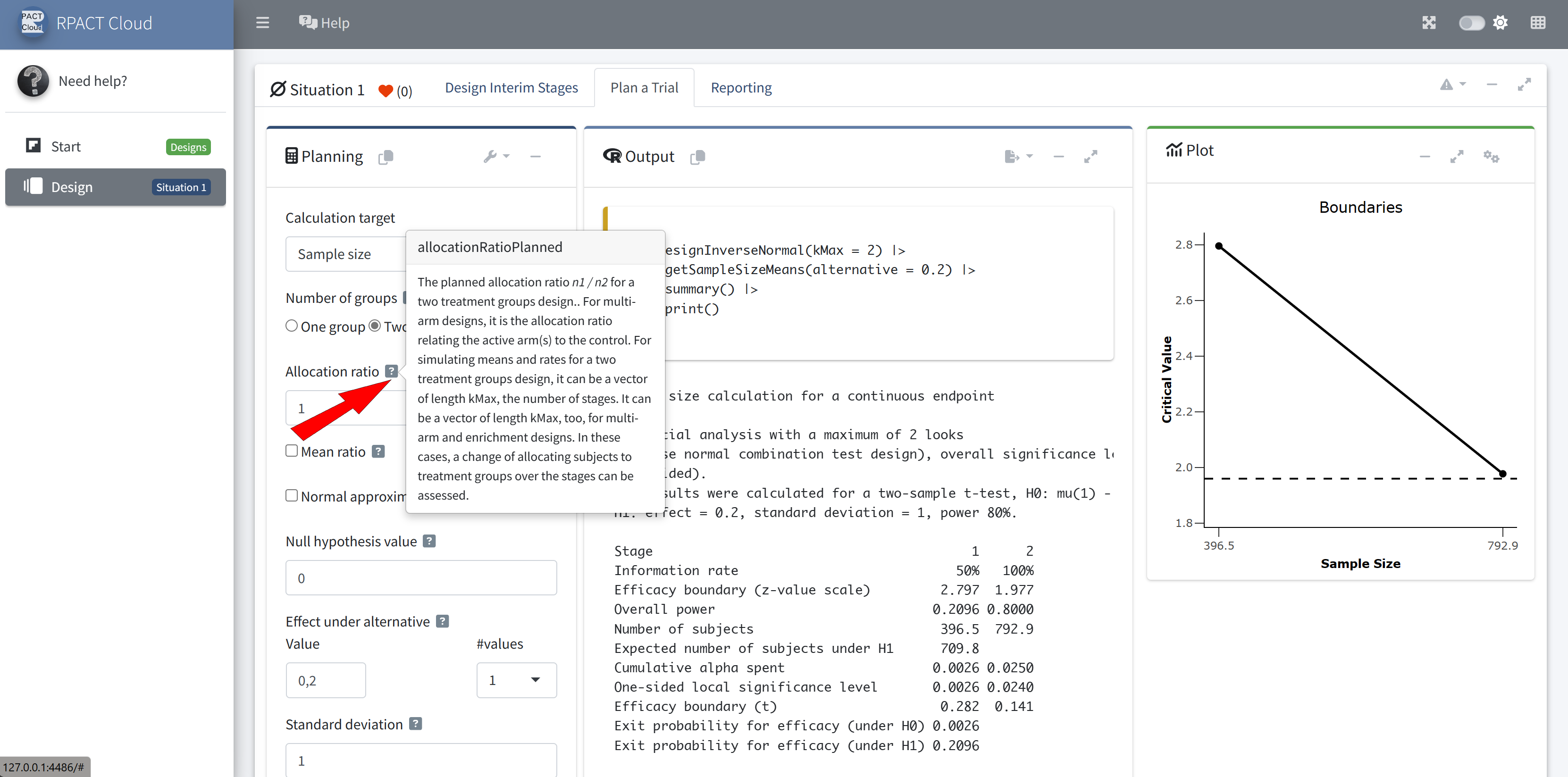
RPACT Cloud – Basics

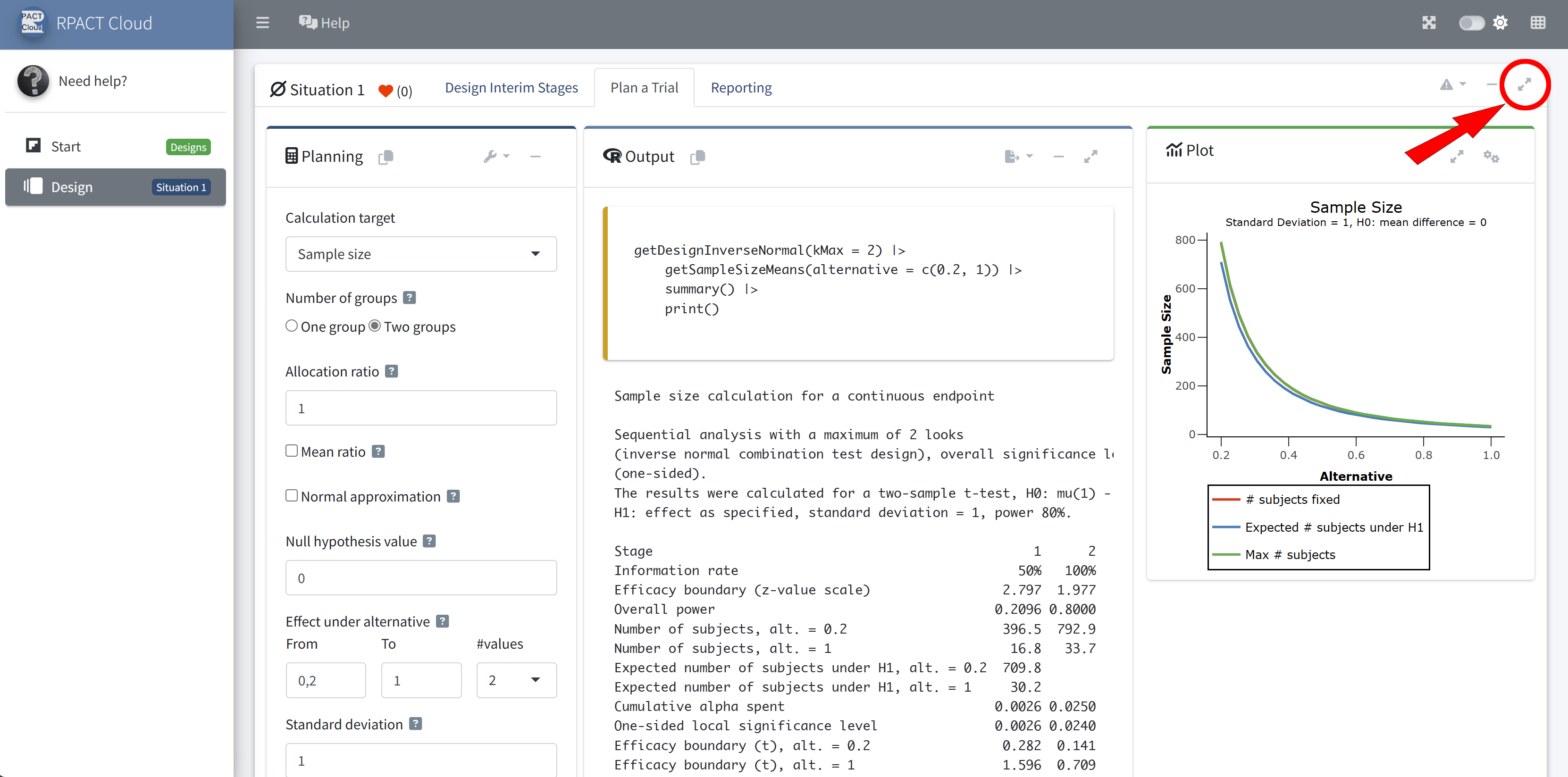
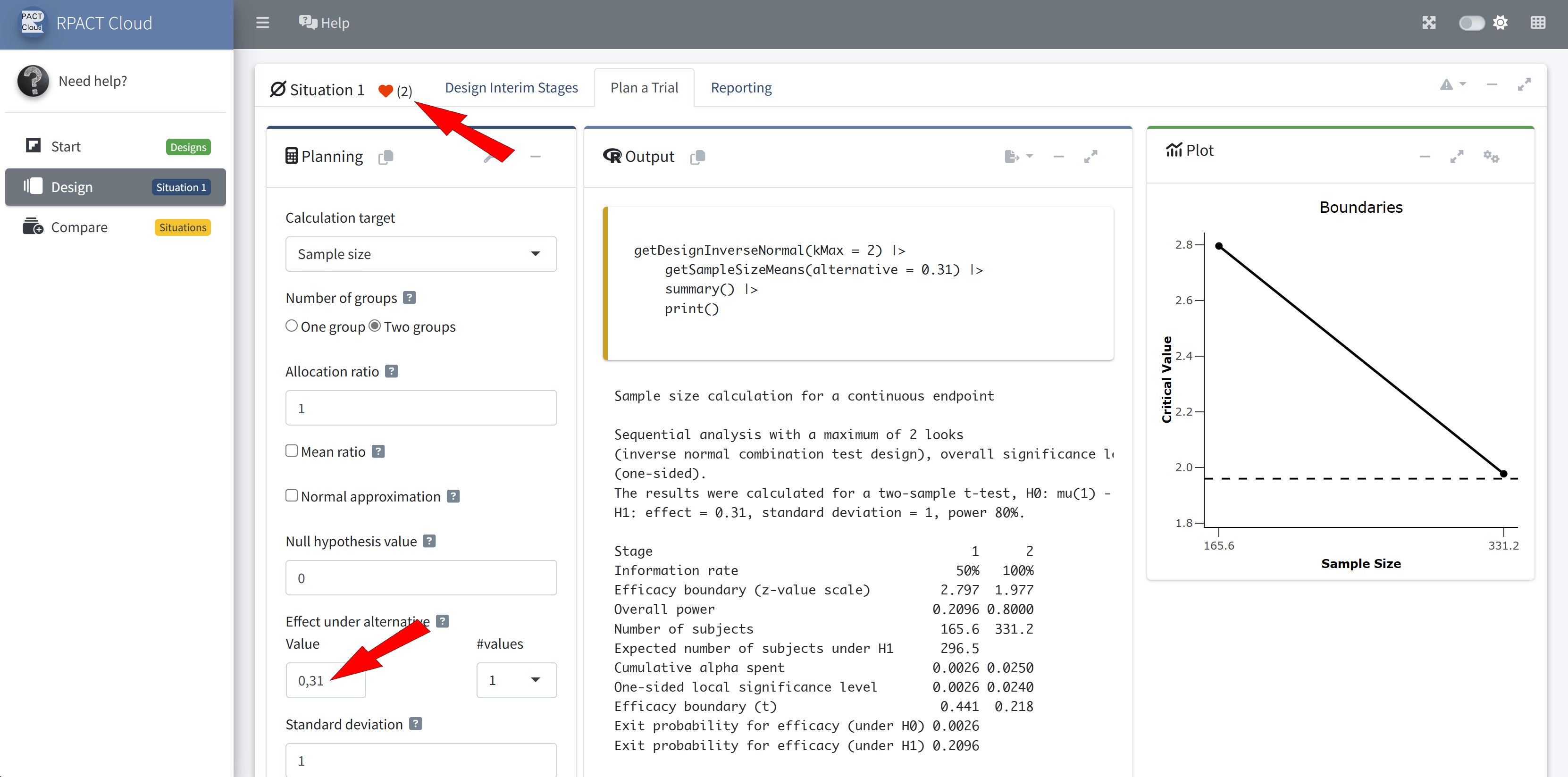
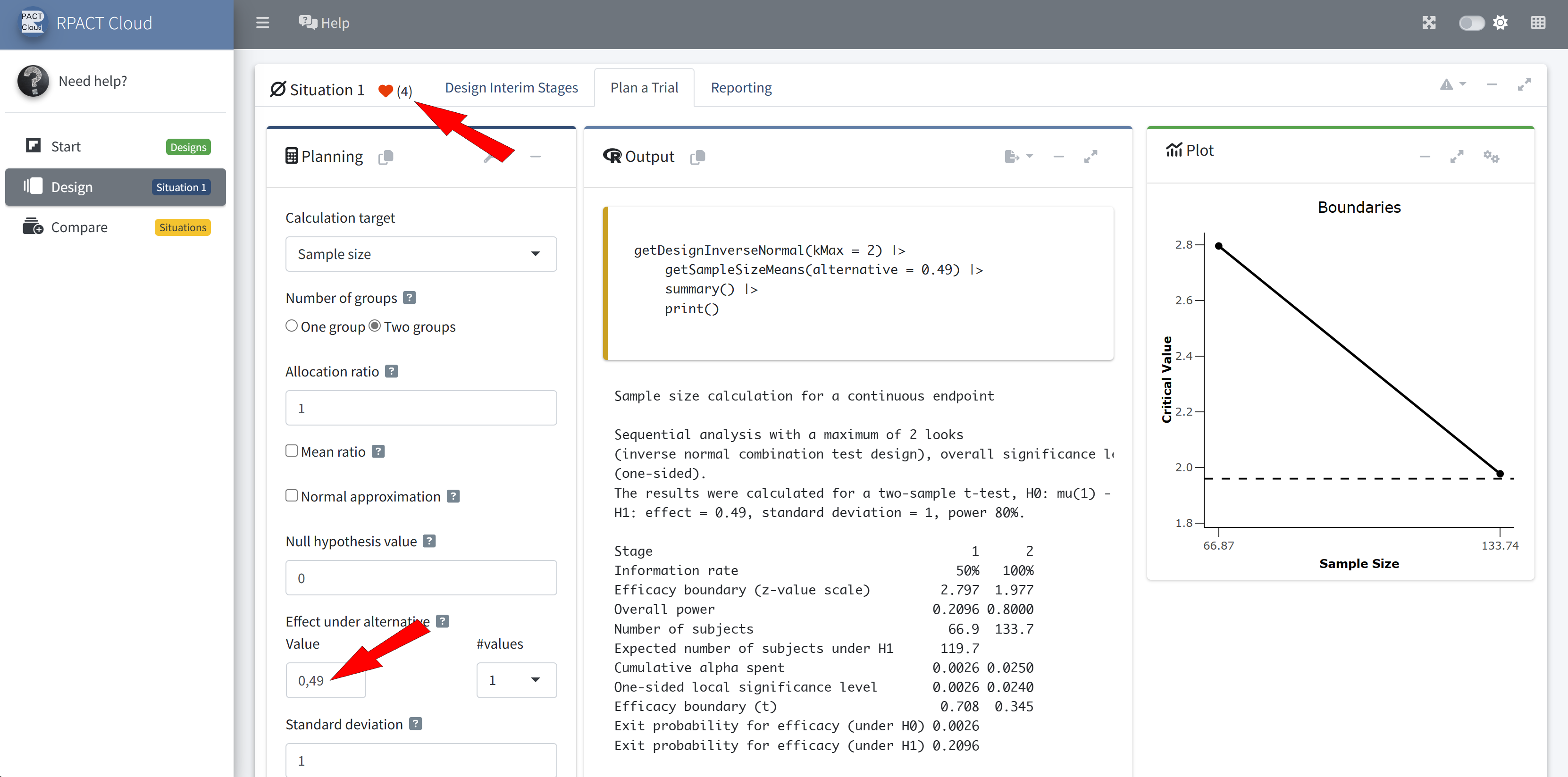
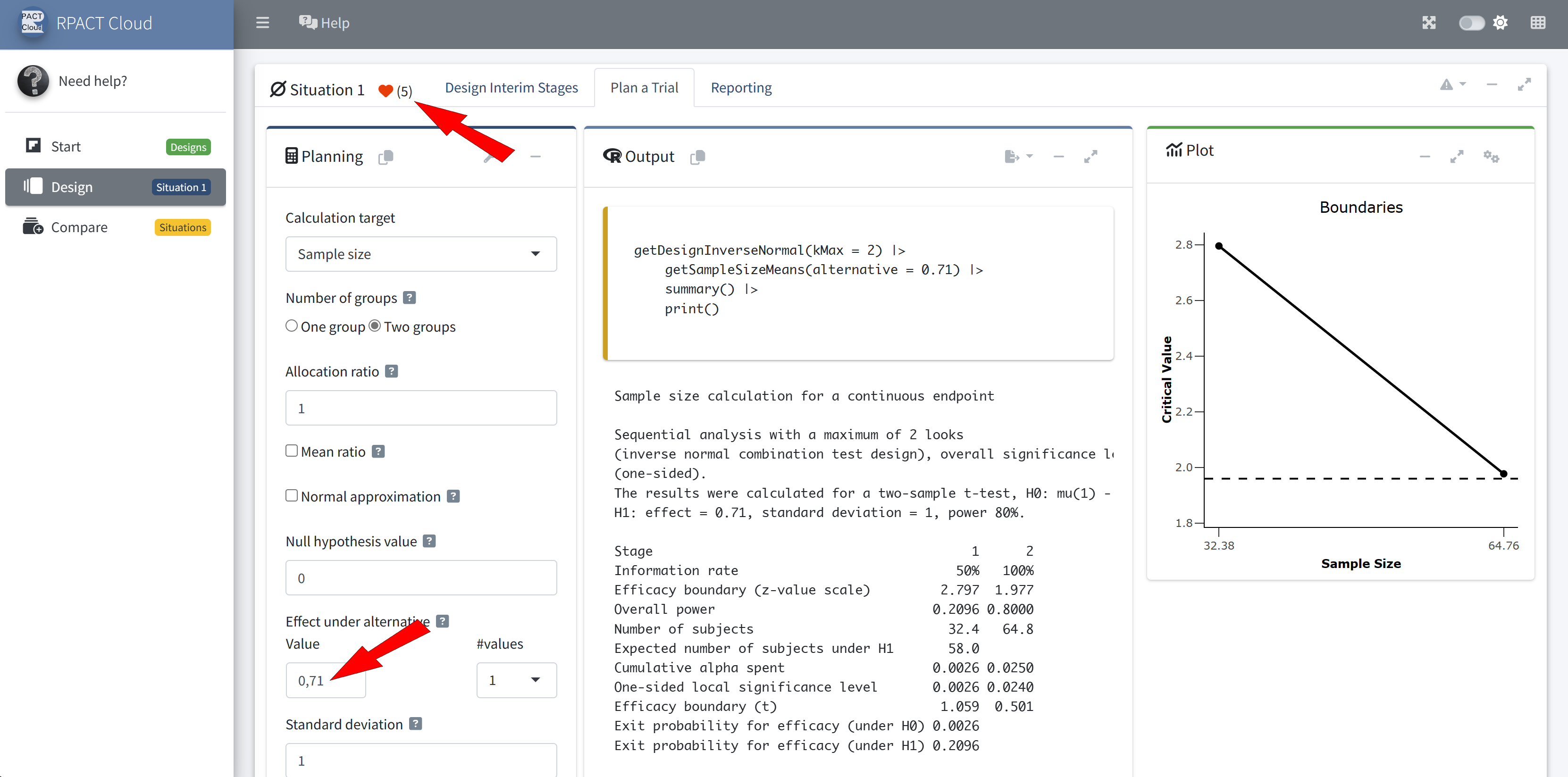
RPACT Cloud – Explore Parameter Levels
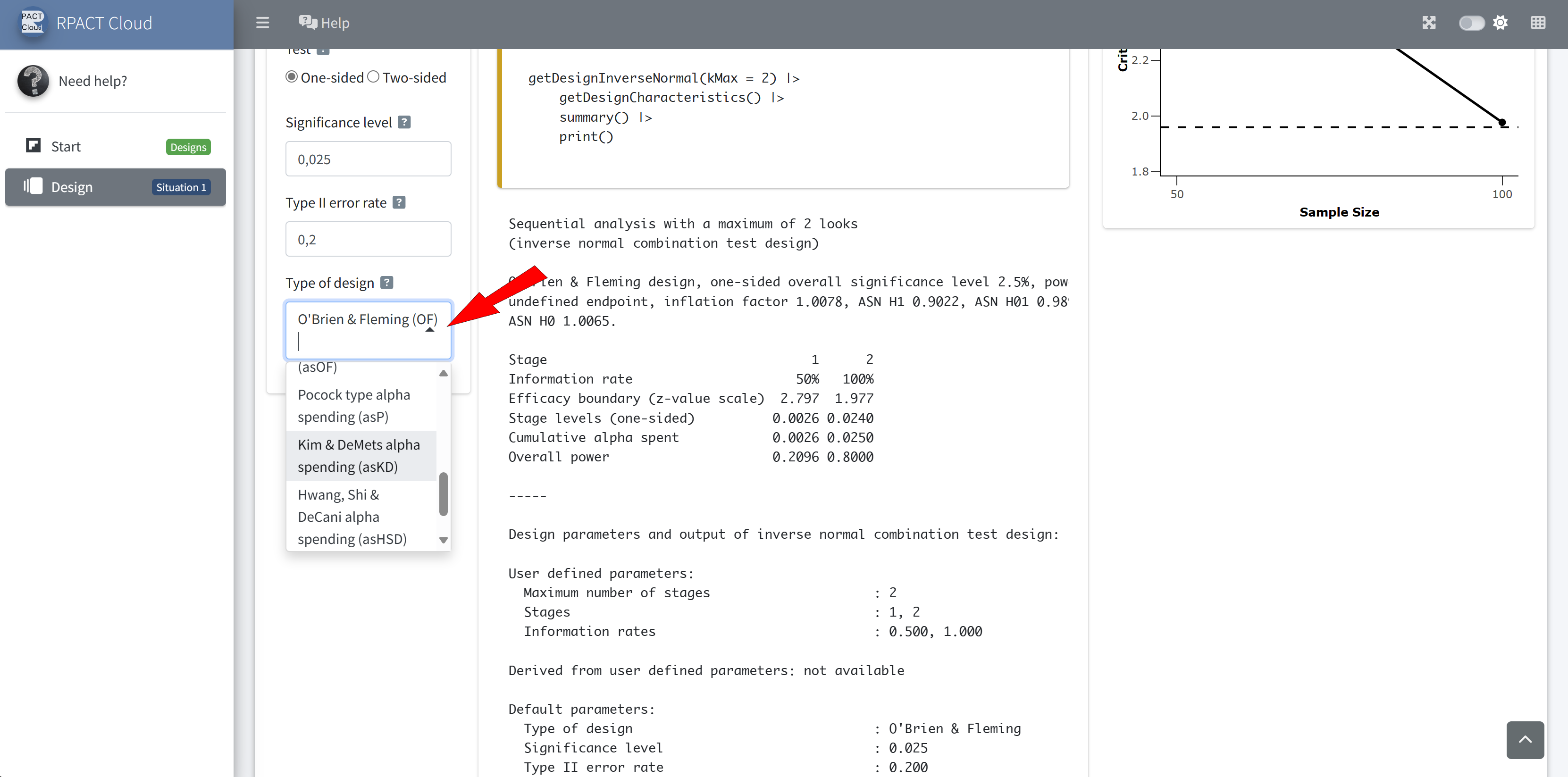
RPACT Cloud – Design
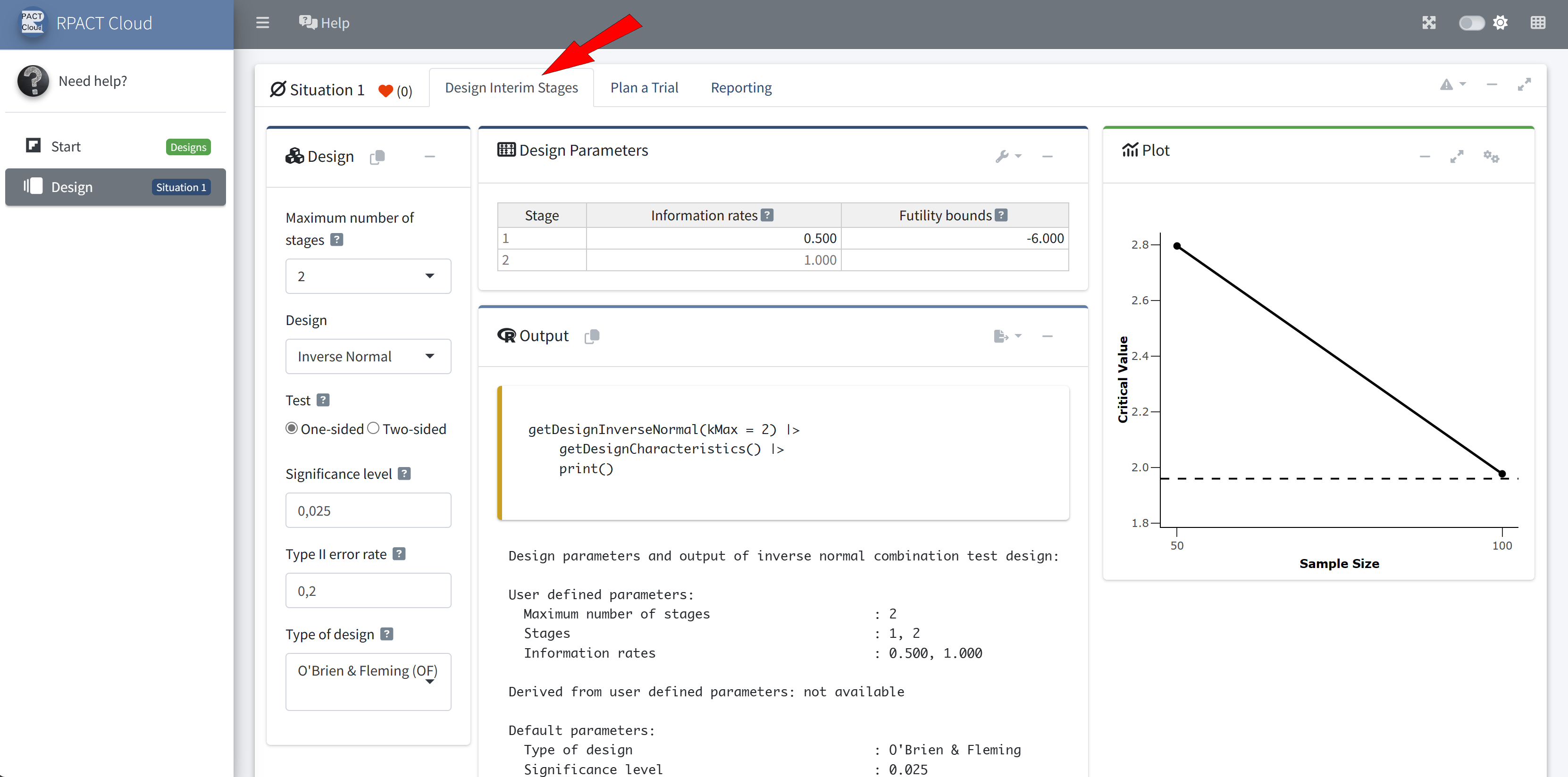
RPACT Cloud – Reporting
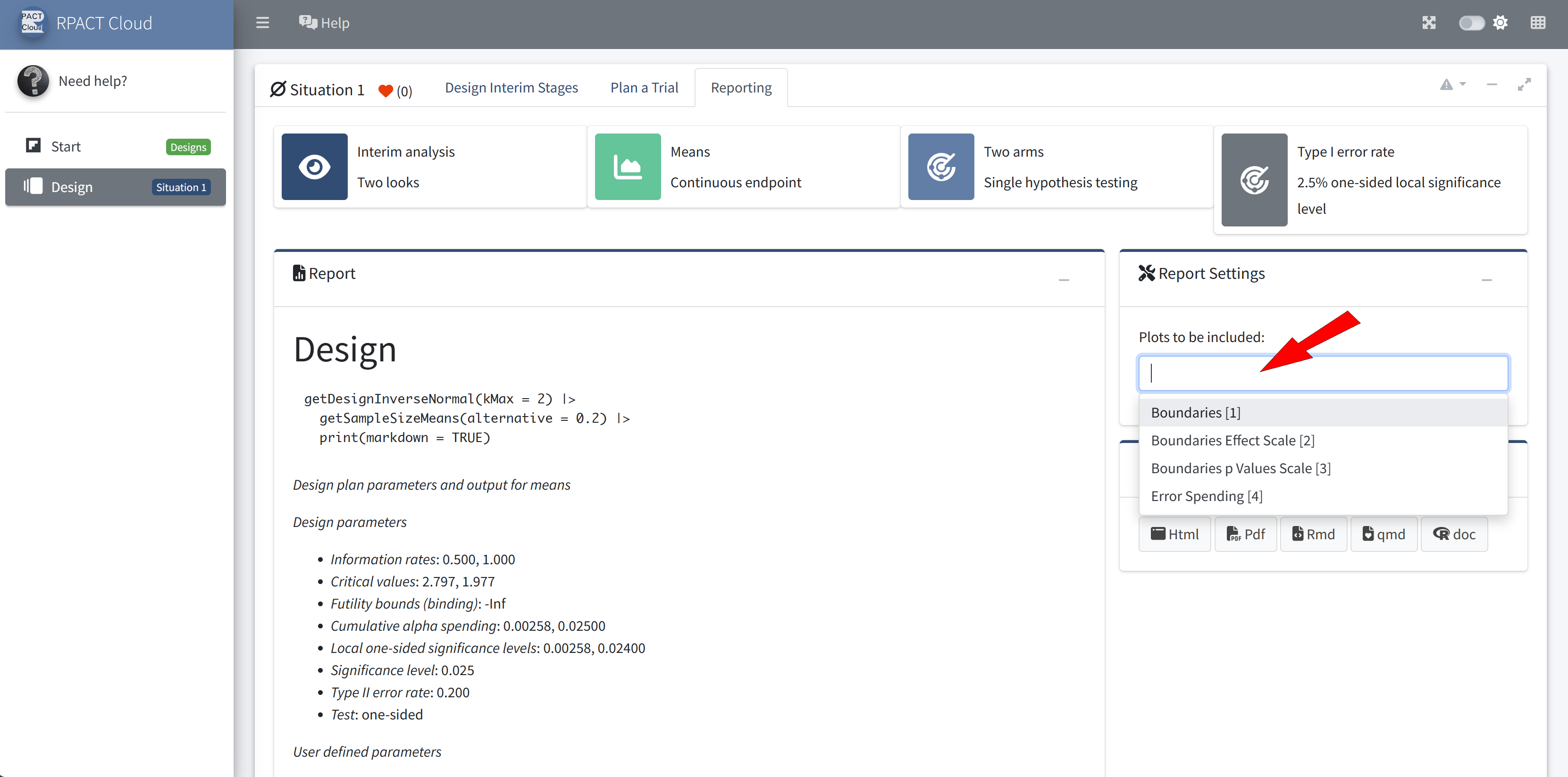
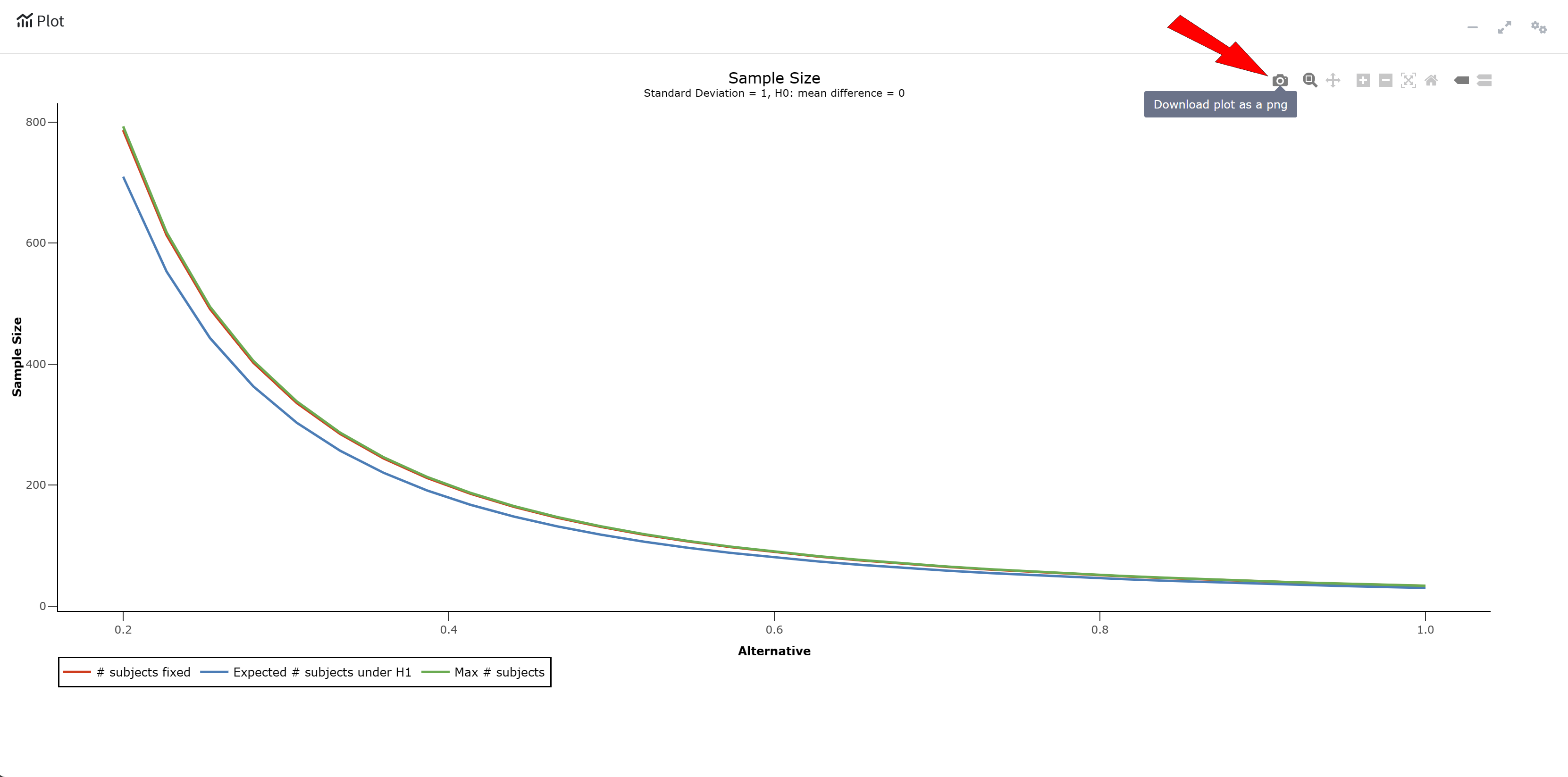
RPACT Cloud – Export

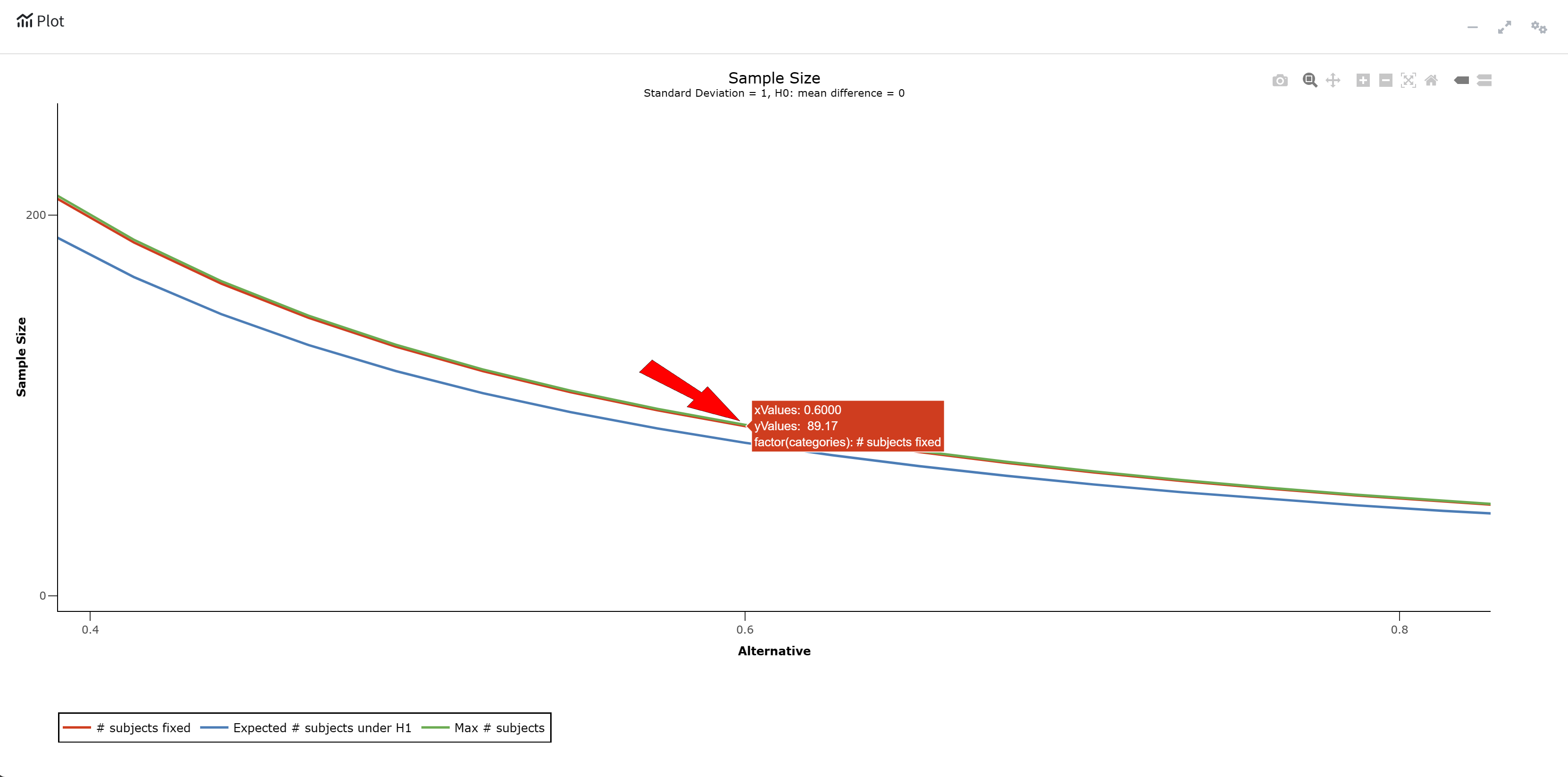
RPACT Cloud – Plotting

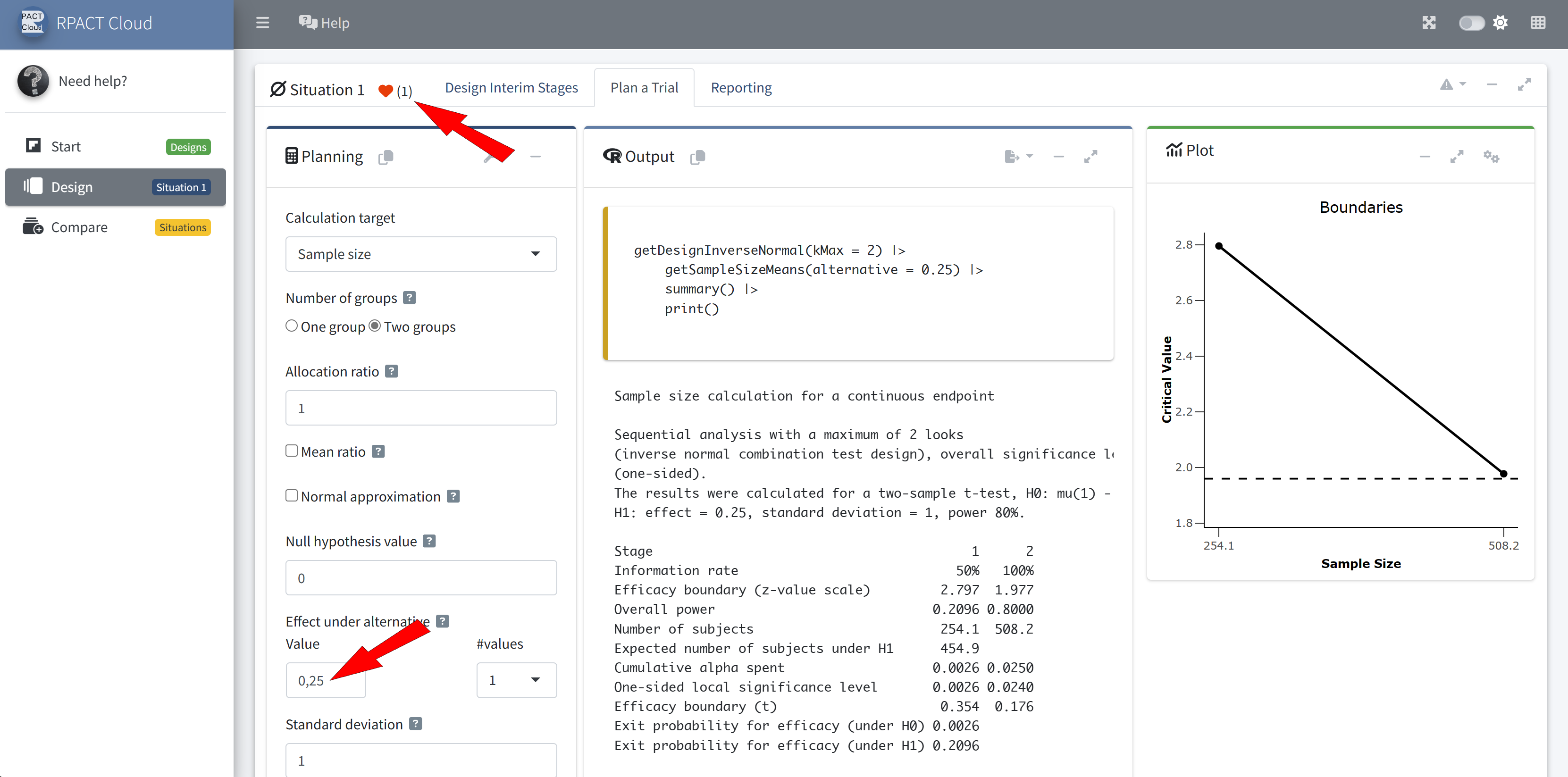
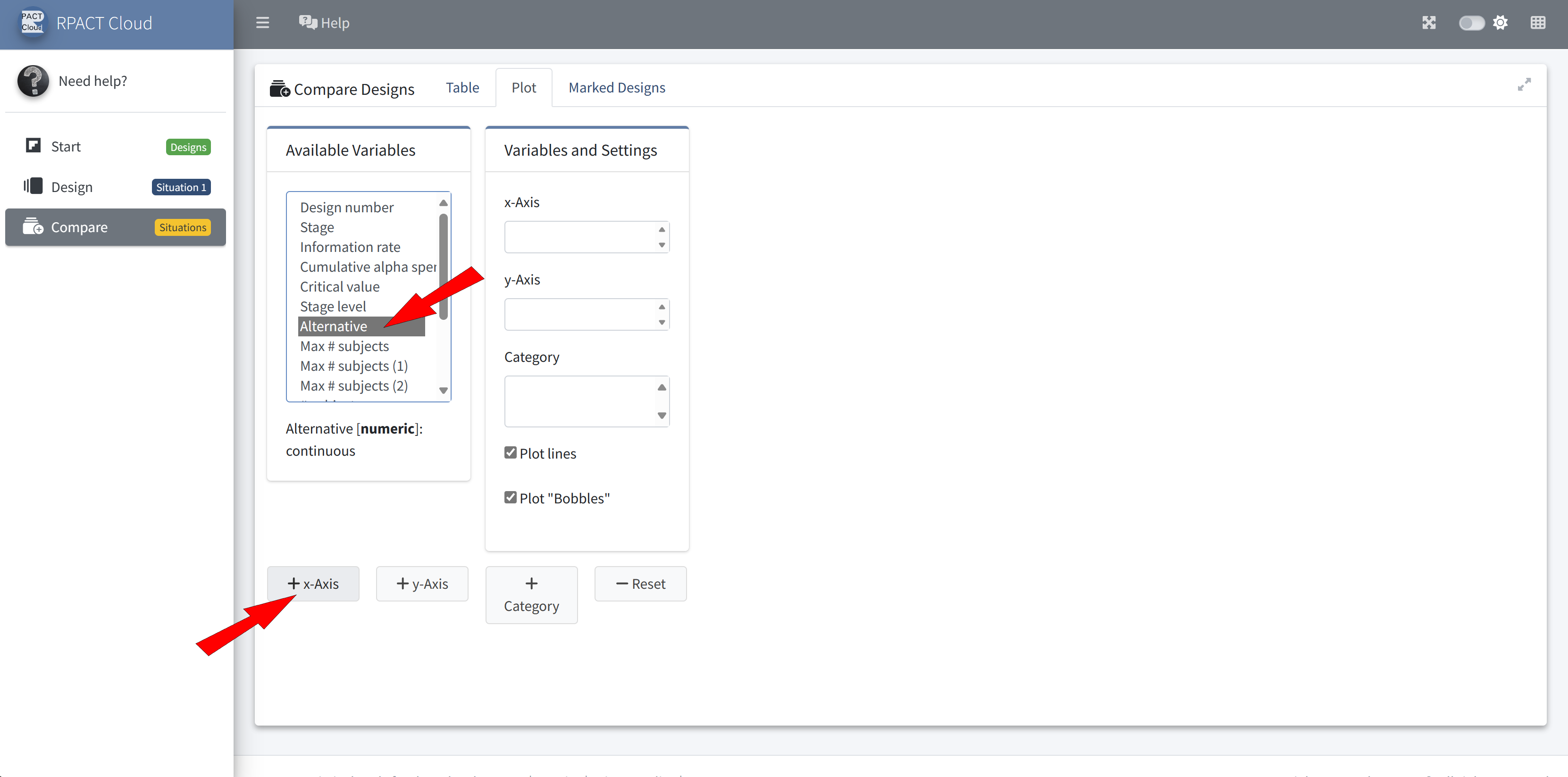
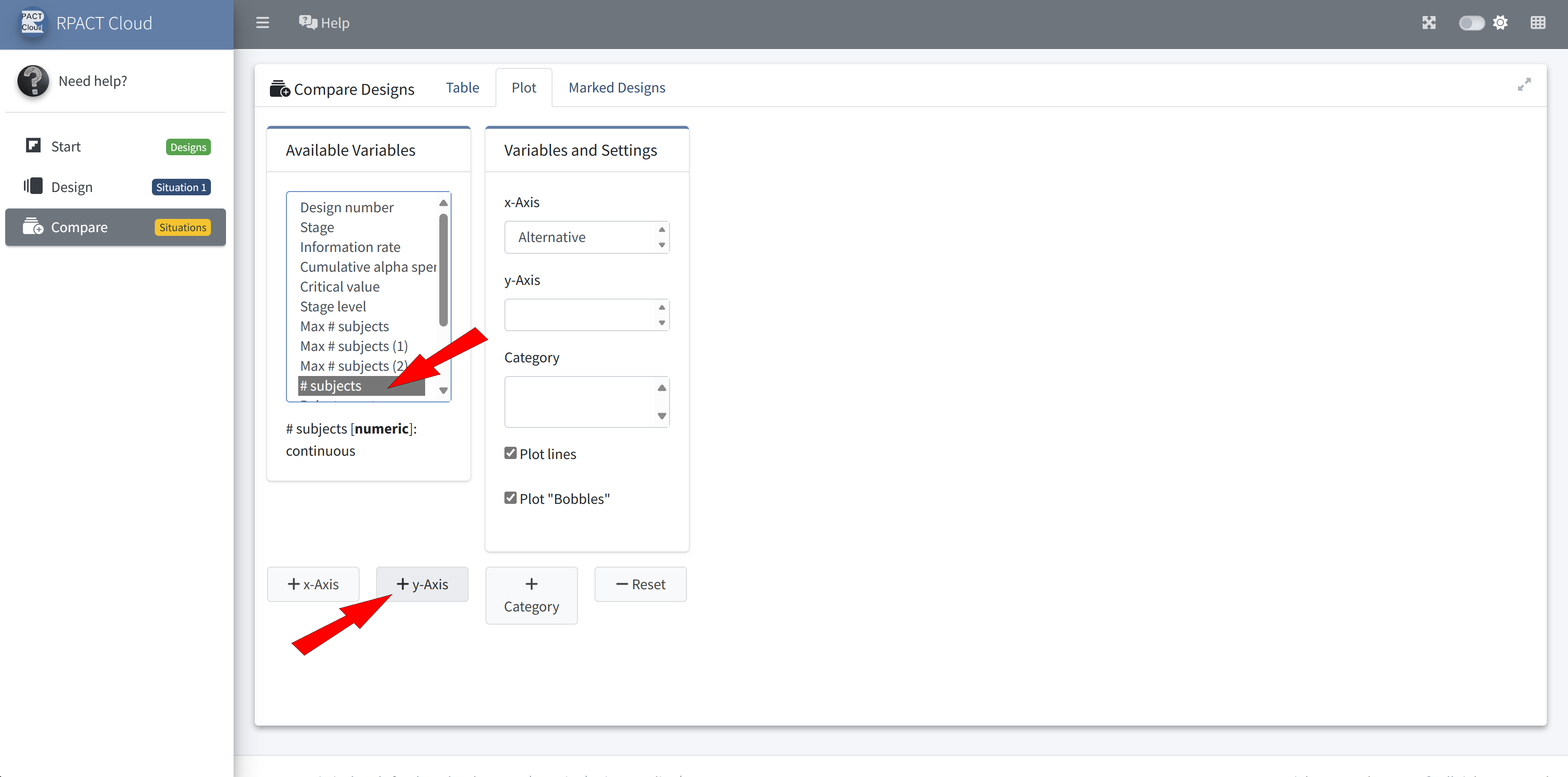
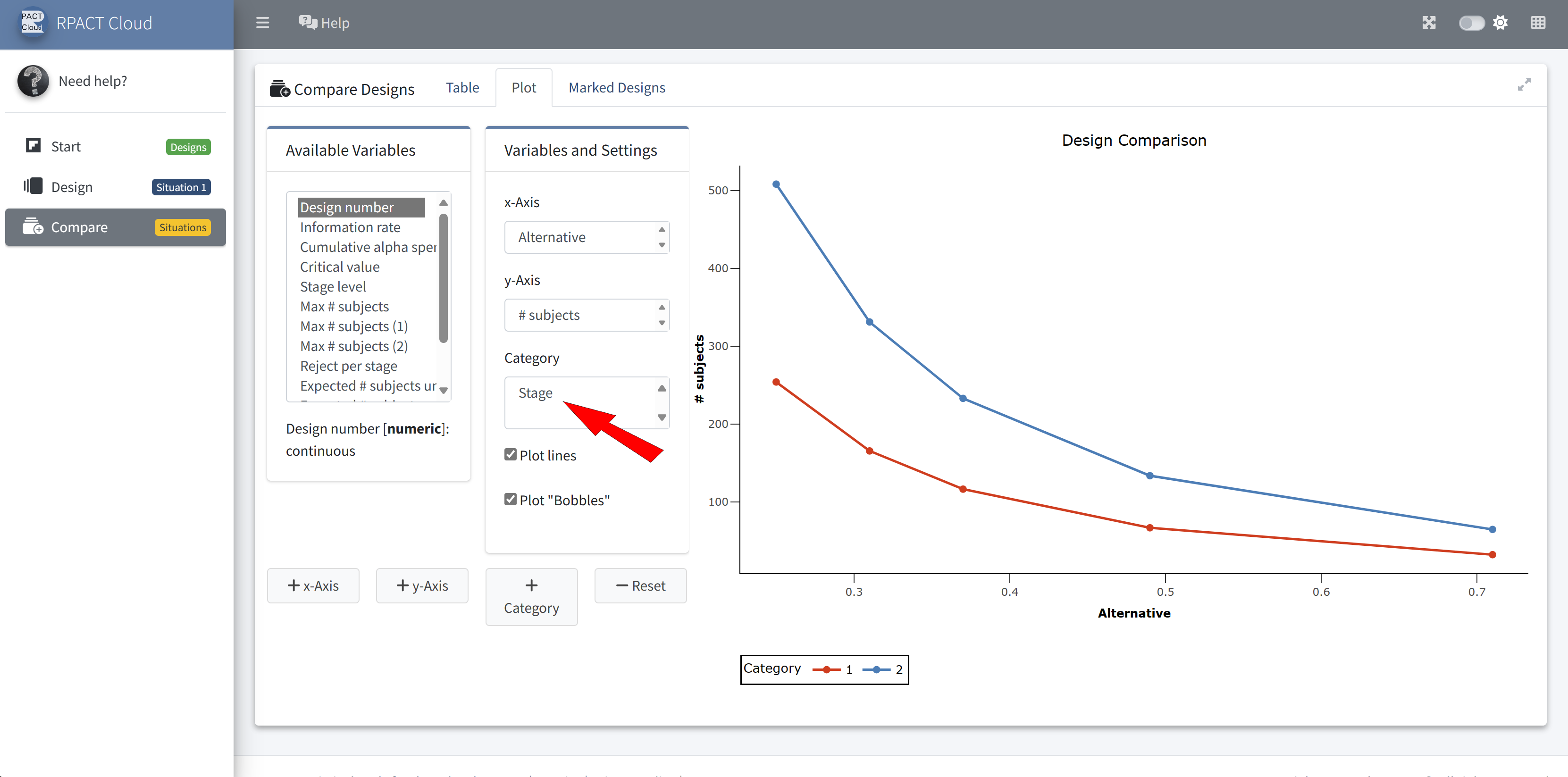
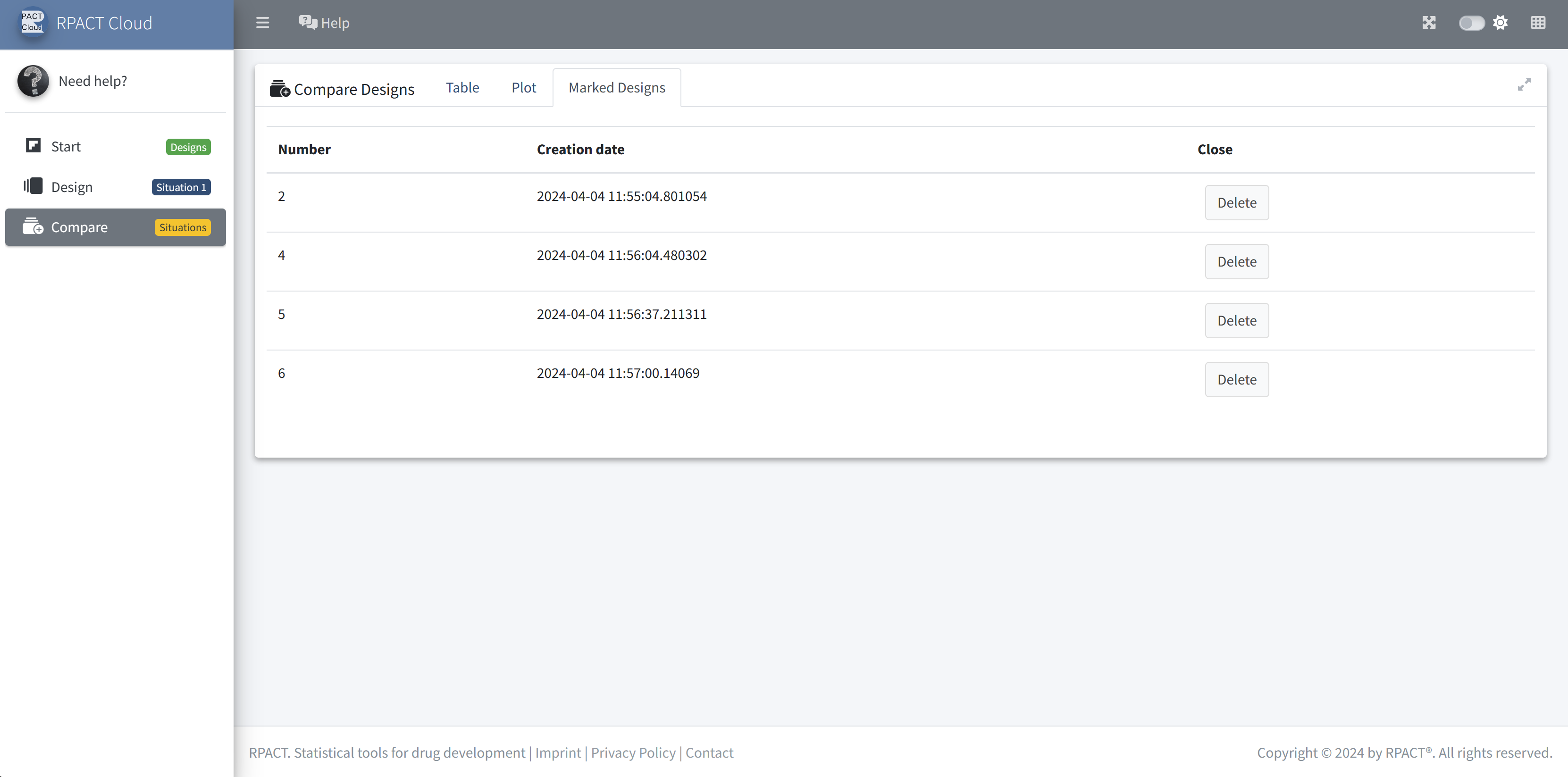
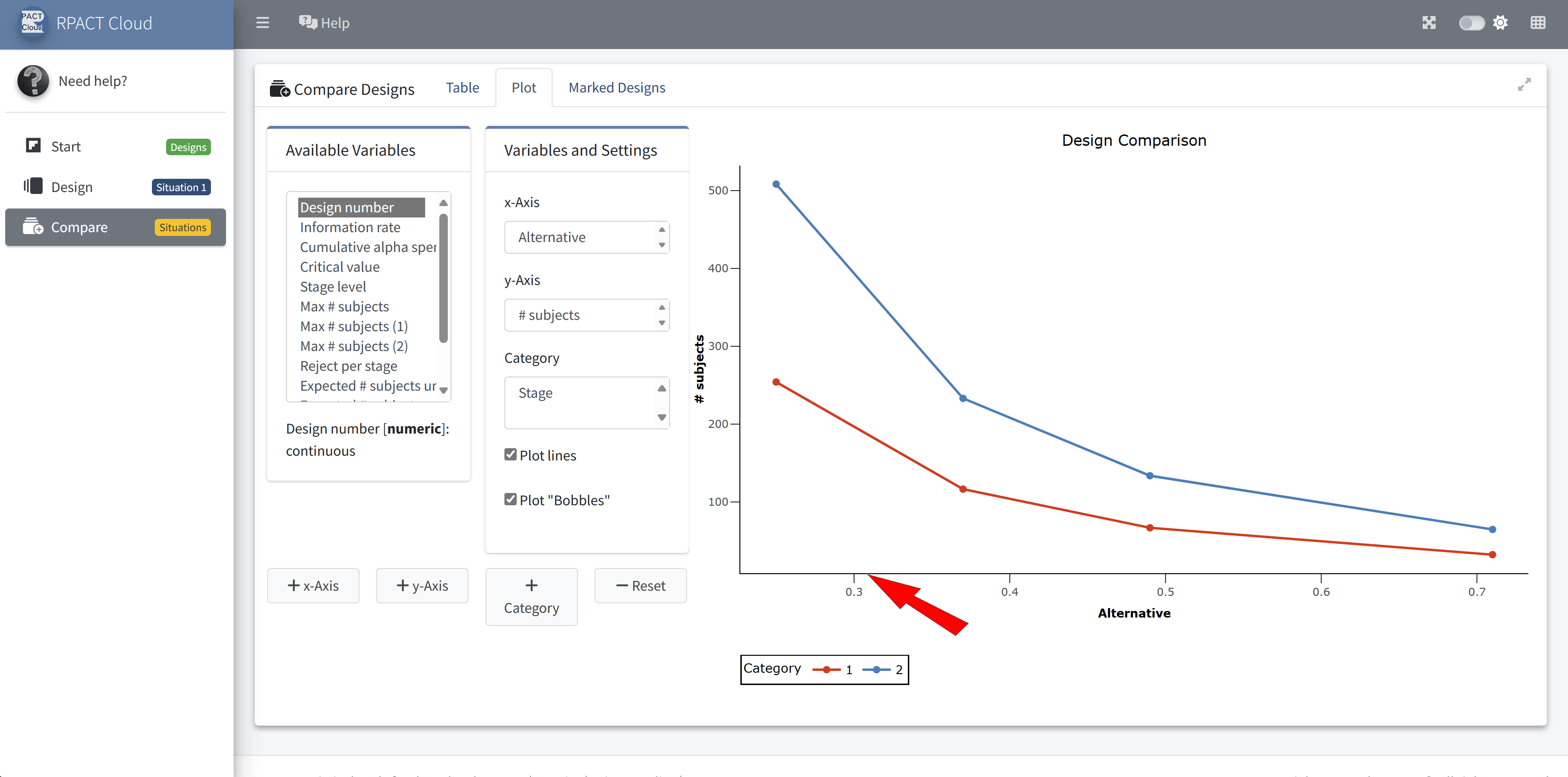
RPACT Cloud – Design Comparison

Summary

  • Comprehensive validated package for designing group sequential designs, with a focus on adaptive extensions using the inverse normal method or Fisher’s combination test
  • Sample size and power calculation also supported for fixed sample size design \(+\) extensive simulation tools, also for multi-arm and population enrichment designs
  • Analysis tools to perform adaptive designs in practice
  • Usage supported by extensive documentation and vignettes, ongoing development
  • Comes along with the more and more accepted usage of R in pharmaceutical research.